virto-shared-calendar-icon

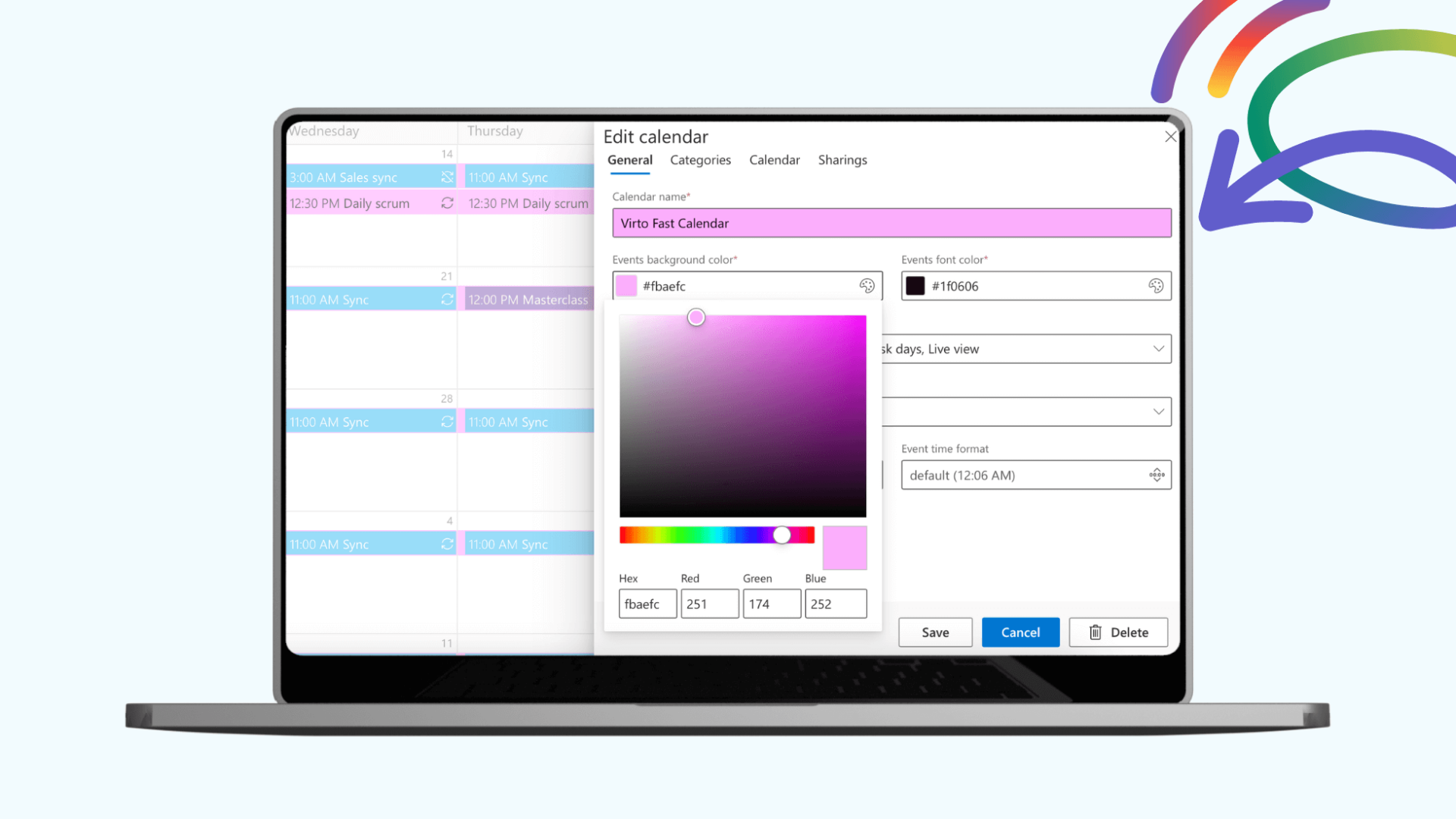
NEW Virto Shared Calendar

Virto Multiple File Operations: Now 73% More Affordable!

Virto Multiple File Operations for SharePoint On-Premises just became dramatically more accessible. We’ve slashed the price by 73%—from $5,499 to only $1,499 per WFE—making bulk file management a no-brainer for on-prem environments.

Power Up Your SharePoint Workflow

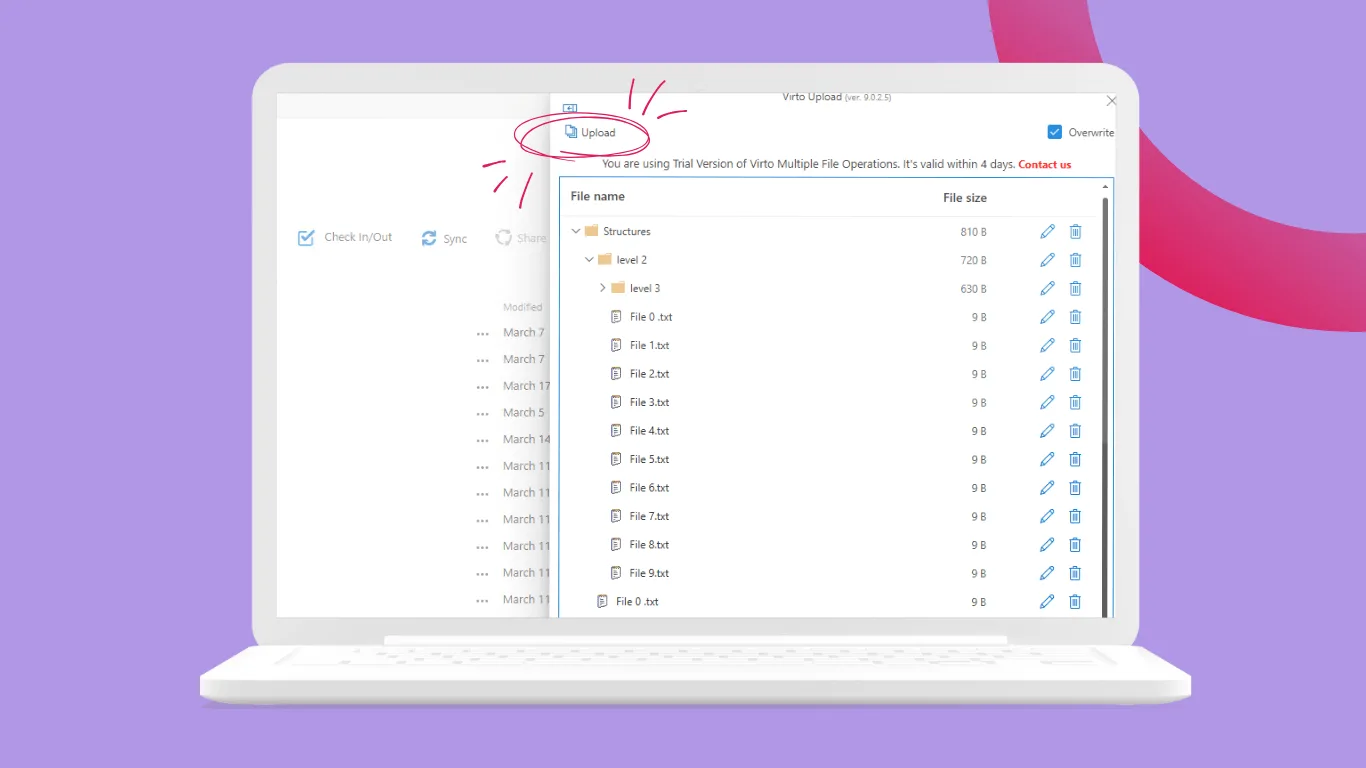
This powerful web part lets admins and users handle multiple files at once: upload, download, delete, copy, move, check-in/out, and edit metadata in bulk. Drag-and-drop support works seamlessly in both classic and modern SharePoint experiences (2016, 2019, SE).

Perfect for teams bogged down by repetitive file tasks—save hours weekly while enforcing file size limits, type restrictions, and compliance.
virto multiple file operations price drop

Why Now’s the Time to Upgrade

At the new $1,499 per WFE, it’s an unbeatable value for streamlining document libraries without cloud migration headaches. Compatible, secure, and ready for your on-prem setup.

Start your 30-day free trial today: https://virtosoftware.uk/sharepoint/multiple-file-operations/


Related Content

Download and extract the zip file to a folder on your SharePoint server
Run Setup.exe under SharePoint administrator account and follow the simple wizard

Request your 14-day trial. 

Download the Latest Version

Choose your SharePoint product version:

Need any help? – email us at support@virtosoftware.uk

Please select the SharePoint version that your organization uses to proceed
with the checkout.

Please select the SharePoint version that your organization uses to proceed
with the checkout.

Download and extract the zip file to a folder on your SharePoint server
Run Setup.exe under SharePoint administrator account and follow the simple wizard

Request your 14-day trial. 

Download Free 30-day Trial

Choose your SharePoint version

Product version:

Need any help? – email us at support@virtosoftware.uk

Charts

Important: You’re just a few clicks away from exploring our app. Before you start the installation process, make sure to read instructions. This will prevent from possible technical issues in the future

If you will need further technical help for installation or configuration please contact our support team at support@virtosoftware.uk

Pop up alert
Important: You’re just a few clicks away from exploring our app. Before installing, please read the instructions to avoid potential technical issues.

If you will need further technical help for installation or configuration please contact our support team at support@virtosoftware.uk

Download and extract the zip file to a folder on your SharePoint server
Run Setup.exe under SharePoint administrator account and follow the simple wizard

Request your 14-day trial. 

Download Free 30-day Trial

Choose your SharePoint product version:

Need any help? – email us at support@virtosoftware.uk