virto-shared-calendar-icon

NEW Virto Shared Calendar

Virto Alerts & Reminders Gets a Major Update — New Price and Powerful Admin Feature!

We’re excited to share some great news for Virto Alerts & Reminders users!

New Lower Price

Starting today, Virto Alerts is available from $499 if opt for a free support plan — now 58% more affordable! This makes it easier than ever to bring automated notifications to your SharePoint & M365 environment without stretching your budget.

🔔 Important Note: Microsoft is retiring the native SharePoint Alerts feature.

  • For new tenants, creating new SharePoint Alerts has been blocked since July 2025.
  • For existing tenants, the option to create new Alerts was disabled starting January 2026.
    Users attempting to create new alerts will see a banner notifying them of the retirement.

This makes Virto Alerts & Reminders the best alternative for keeping your users informed through automated, flexible notifications directly within SharePoint.

New Feature for Admins: Microsoft Service Health Alert Subscription

Admins can now subscribe to Microsoft Service Health Alerts directly within the app. With this update, you can manage notifications for selected Microsoft 365 services and receive instant email updates whenever there’s a service status change or an issue is resolved.

If you’ve already configured alerts for specific services, you’re all set — you’ll continue to receive updates automatically.
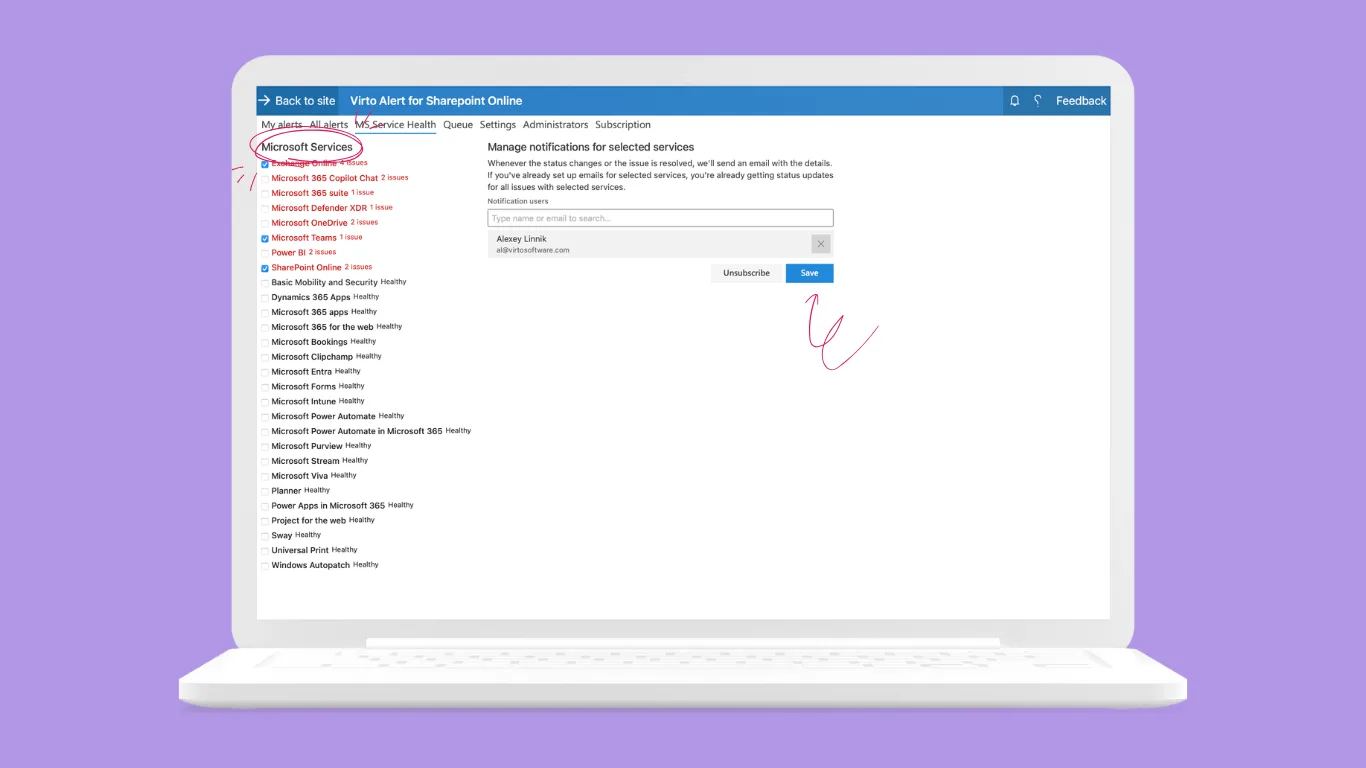
virto alerts news 2

Stay proactive, stay informed, and make your SharePoint experience smoother than ever with Virto Alerts & Reminders.

Related Content

Download and extract the zip file to a folder on your SharePoint server
Run Setup.exe under SharePoint administrator account and follow the simple wizard

Request your 14-day trial. 

Download the Latest Version

Choose your SharePoint product version:

Need any help? – email us at support@virtosoftware.uk

Please select the SharePoint version that your organization uses to proceed
with the checkout.

Please select the SharePoint version that your organization uses to proceed
with the checkout.

Download and extract the zip file to a folder on your SharePoint server
Run Setup.exe under SharePoint administrator account and follow the simple wizard

Request your 14-day trial. 

Download Free 30-day Trial

Choose your SharePoint version

Product version:

Need any help? – email us at support@virtosoftware.uk

Charts

Important: You’re just a few clicks away from exploring our app. Before you start the installation process, make sure to read instructions. This will prevent from possible technical issues in the future

If you will need further technical help for installation or configuration please contact our support team at support@virtosoftware.uk

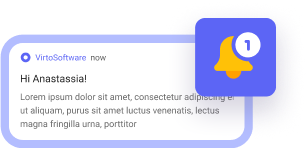
Pop up alert
Important: You’re just a few clicks away from exploring our app. Before installing, please read the instructions to avoid potential technical issues.

If you will need further technical help for installation or configuration please contact our support team at support@virtosoftware.uk

Download and extract the zip file to a folder on your SharePoint server
Run Setup.exe under SharePoint administrator account and follow the simple wizard

Request your 14-day trial. 

Download Free 30-day Trial

Choose your SharePoint product version:

Need any help? – email us at support@virtosoftware.uk