virto-shared-calendar-icon

NEW Virto Shared Calendar

New Update: Permissions Now Available in Virto Shared Calendar

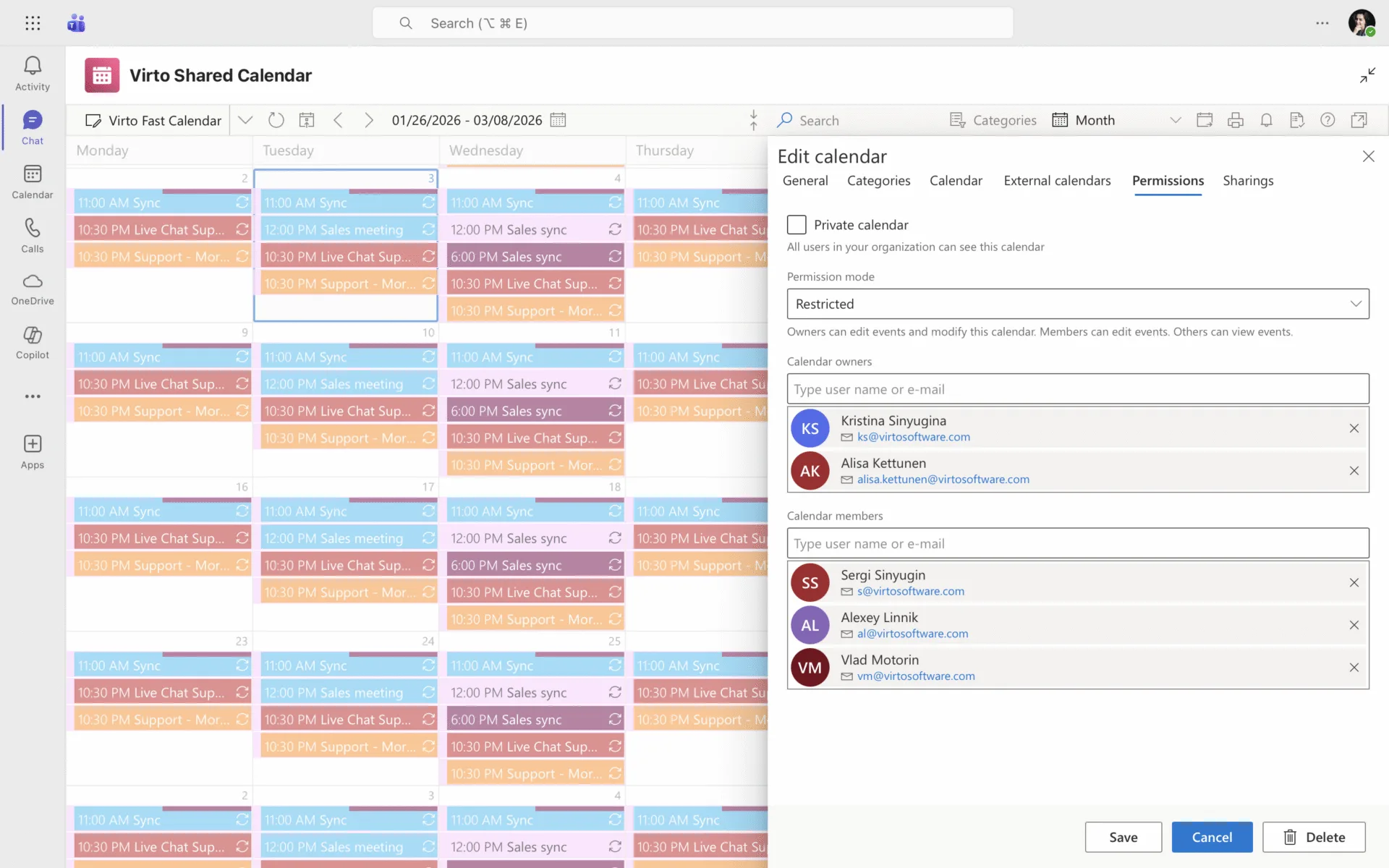
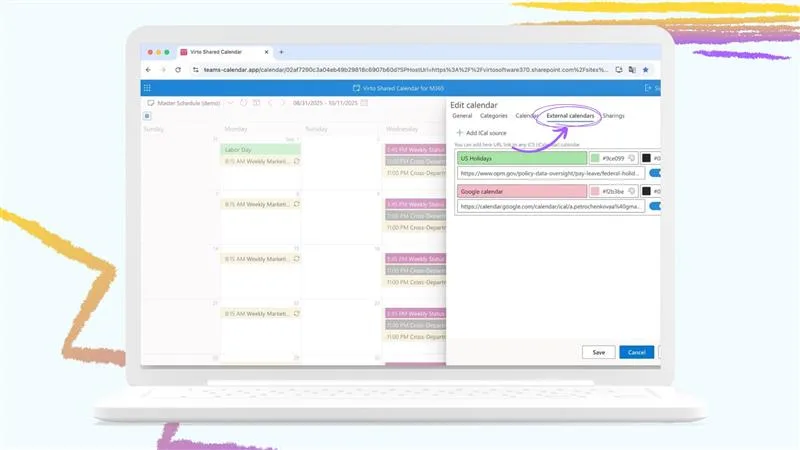
We’re excited to share a new feature in Virto Shared Calendar — you can now easily manage calendar permissions!

With this update, users can control who can see or edit their calendars, mark calendars as private, and assign different access levels for team members. This makes collaboration across your organization even more flexible and secure.
Screenshot 2026 02 03 at 15.55.55 1920x1200

This helps your team stay organized while giving calendar owners full control over visibility and editing rights.

👉 Learn more about the new permissions settings in our documentation:
https://docs.virtosoftware.uk/docs/virto-shared-calendar/calendar-settings/permissions/

Related Content

Download and extract the zip file to a folder on your SharePoint server
Run Setup.exe under SharePoint administrator account and follow the simple wizard

Request your 14-day trial. 

Download the Latest Version

Choose your SharePoint product version:

Need any help? – email us at support@virtosoftware.uk

Please select the SharePoint version that your organization uses to proceed
with the checkout.

Please select the SharePoint version that your organization uses to proceed
with the checkout.

Download and extract the zip file to a folder on your SharePoint server
Run Setup.exe under SharePoint administrator account and follow the simple wizard

Request your 14-day trial. 

Download Free 30-day Trial

Choose your SharePoint version

Product version:

Need any help? – email us at support@virtosoftware.uk

Charts

Important: You’re just a few clicks away from exploring our app. Before you start the installation process, make sure to read instructions. This will prevent from possible technical issues in the future

If you will need further technical help for installation or configuration please contact our support team at support@virtosoftware.uk

Pop up alert
Important: You’re just a few clicks away from exploring our app. Before installing, please read the instructions to avoid potential technical issues.

If you will need further technical help for installation or configuration please contact our support team at support@virtosoftware.uk

Download and extract the zip file to a folder on your SharePoint server
Run Setup.exe under SharePoint administrator account and follow the simple wizard

Request your 14-day trial. 

Download Free 30-day Trial

Choose your SharePoint product version:

Need any help? – email us at support@virtosoftware.uk