The Only Secure Enterprise Calendar Solution for Microsoft 365
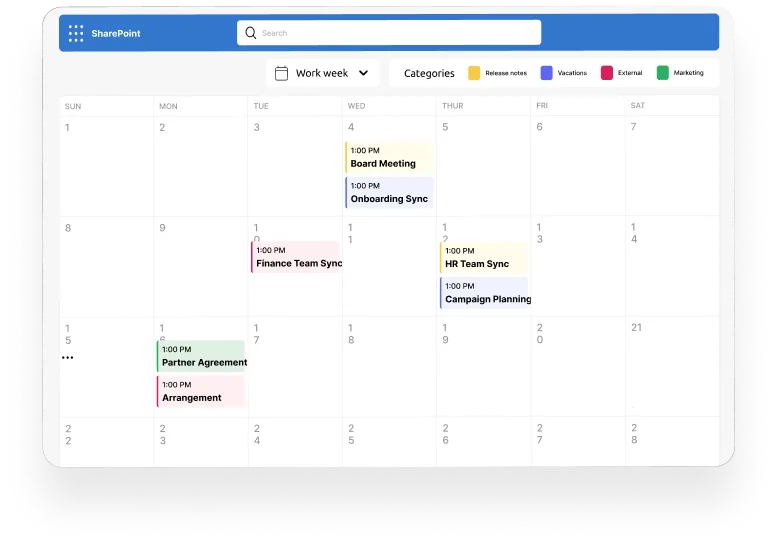
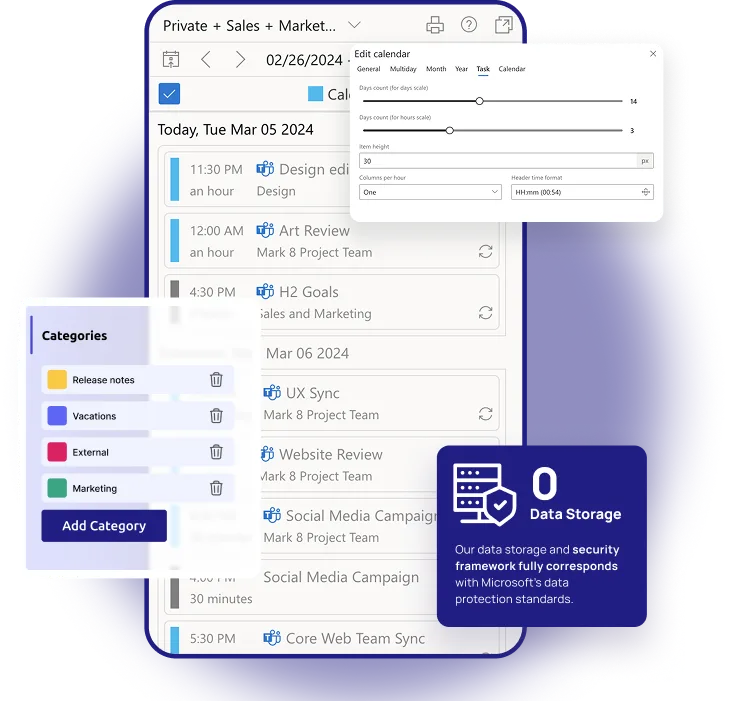
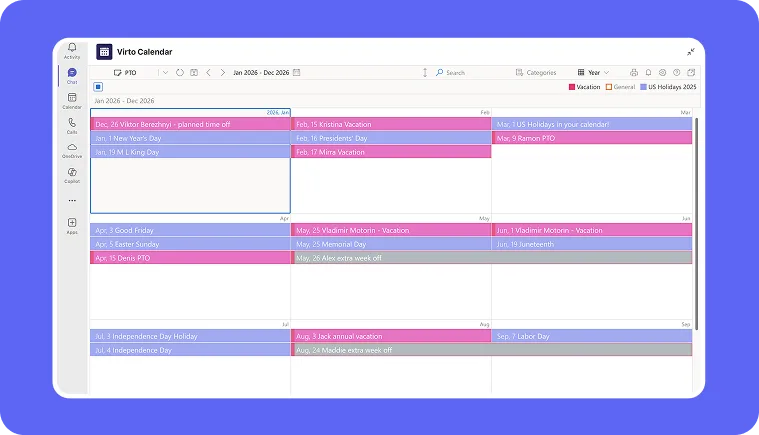
Overlay all your Microsoft 365, Outlook, SharePoint, and internet calendars in one color‑coded view. Say goodbye to fragmented scheduling and manual coordination. Deploy securely in your own Microsoft 365 environment — self‑hosted or tenant‑based — to keep complete control of your data and compliance.
Comprehensive Integration
Merge multiple calendars from different sources, centralizing planning and scheduling.
Microsoft 365 Native
Experience a calendar that is fully integrated with M365, providing consistency in security and UX.
Versatile and Adaptive
Tackle all calendar-related scenarios, from project management to simple scheduling.

Trusted by Industry Leaders
and over 8,000 businesses worldwide
What is Virto Calendar App?
Virto Calendar App is an enterprise-grade calendar overlay solution for Microsoft 365 and SharePoint Online. It consolidates multiple calendars—personal, team, departmental, or project-based—into a single unified, color-coded interface for real-time visibility and centralized planning.
Core Use Cases
Overlay multiple SharePoint Online calendars
Combine multiple SharePoint lists or calendar sources from sites and subsites into a unified visual schedule. No need to switch between pages—everything is in one place.
Combine Outlook and Microsoft 365 calendars
Integrate Exchange Online and Microsoft 365 group events with your SharePoint calendars. Keep personal, team, and corporate events together for complete transparency.
Visualize shared calendars across teams and departments
Create department-level views that display events from Marketing, HR, IT, and Project teams simultaneously. Simplify resource coordination and avoid scheduling conflicts.
Comparison: Native M365 Calendar vs Virto Calendar App
Choose the perfect plan to match your business needs.
Feature
Microsoft 365 / SharePoint Calendar
Virto Calendar App
Calendar Sources
- Single-site or personal only
- Multiple Microsoft 365, Outlook & SharePoint sources + internet calendars like Google, iCloud, etc.
Views
- Single-site or personal only
- Color-coded overlay, multi-source, customizable
Coordination
- Manual
- Centralized and automated
Audience
- Team-level
- Departmental and enterprise-scale
Scalability
- Limited
- Enterprise-ready infrastructure
Upgrade your scheduling from visibility gaps to total calendar harmony.
Choose the perfect plan to match your business needs.
One license for all platforms
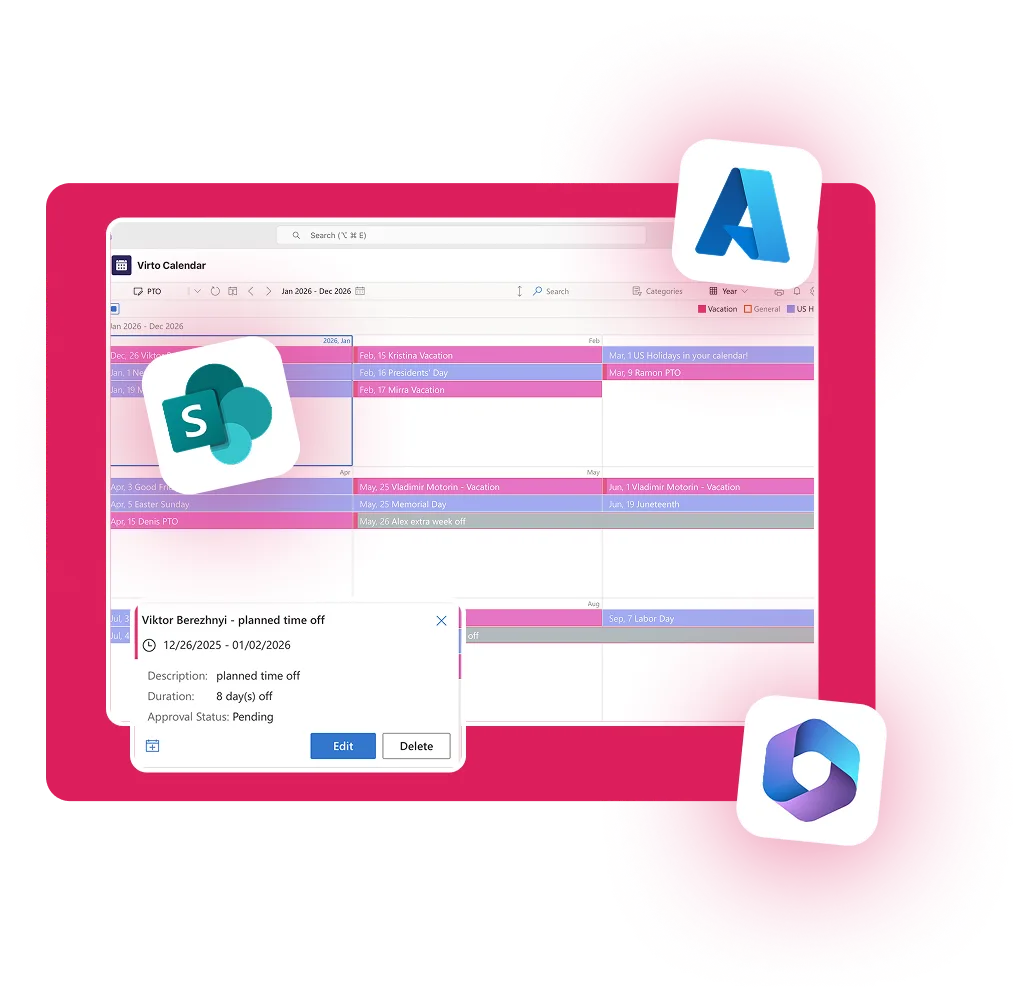
Get SharePoint, Microsoft Teams and Azure license at once without any additional purchase.
Detailed Documentation
articles, and more.
Technical & Enterprise Readiness
Full compatibility with Microsoft 365, SharePoint Online, and Exchange Online environments.
Flexible deployment options — run the Virto Calendar App in your own infrastructure or Microsoft 365 tenant for maximum data ownership and compliance control.
Secure architecture aligned with Microsoft 365 governance, identity management, and permission frameworks.
Enterprise scalability supporting large organizations, multi-departmental rollouts, and hybrid workforce scenarios.
Performance-optimized for real-time synchronization without exceeding Microsoft Graph or API rate limits.
Microsoft 365 Environment
Integrations
Connect to the tools your teams use the most
so everyone works seamlessly in one place.
Sized to fit your business
Choose the perfect plan to match your business needs.
Learn how to master shared calendar management across M365
Mastering Shared Calendars in Microsoft 365 and SharePoint
Learn how to synchronize and share calendars effectively across teams, and see how Virto overlays simplify complex scheduling.
Create unified Office 365 shared calendars
How to Create an Office 365 Shared Calendar
Build shared group calendars and learn when to switch from native views to an overlay-powered interface like Virto Calendar App.
Compare leading SharePoint calendar options
Top Shared Calendars for SharePoint Online
Evaluate built-in tools vs third-party calendars to identify when your organization needs an enterprise-grade planning solution.
Add and customize SharePoint calendars
How to Add and Customize a Calendar in SharePoint Online
Build shared group calendars and learn when to switch from native views to an overlay-powered interface like Virto Calendar App.
FAQ
Microsoft 365 & SharePoint Online Calendar Management
Native Microsoft 365 tools allow individual calendar sharing, but they lack a unified overlay. Virto Calendar App brings all calendars into one centralized view for streamlined coordination.
Yes. Native SharePoint calendars are site-specific and limited in visualization. Virto Calendar App overlays multiple SharePoint calendars, providing enhanced usability and visibility for enterprise teams.
Absolutely. Virto Calendar App integrates Outlook, Exchange, and SharePoint Online calendars into a single synchronized view—ideal for cross-departmental scheduling.
Ready to unify your enterprise calendars?
Need clarity on whether our app is suitable for you? Set up a quick call with us or chat via Microsoft Teams to explore its potential for your needs.
Related Apps
Explore how our set of productivity tools can transform your project management.
Virto Calendar
Merge events from multiple sources like Exchange, Google, and SQL into unified calendar view.
Virto Shared Calendar
Virto Shared Calendar is a standalone web app and Microsoft Teams-integrated solution designed for simple event management with tagging, color-coding, and anonymous sharing.

Virto Kanban Board
This tool transforms team collaboration through visual task management for consistent stage-by-stage progress.